codemol
Desktop protein visualization app
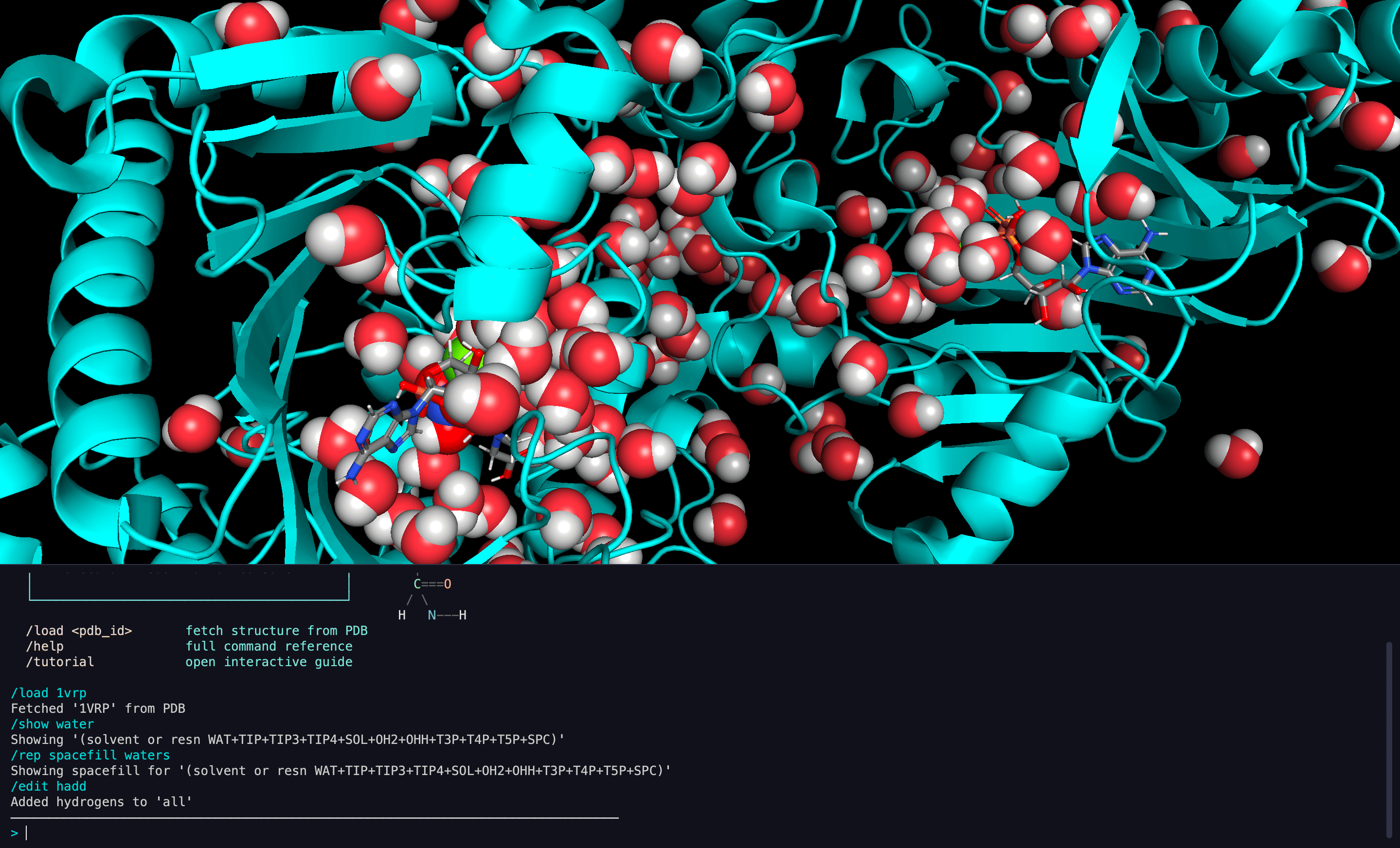
A console-first molecular viewer: 3D rendering engine + terminal-style command console + Python tool system. Scientists interact with molecular structures through commands instead of GUI clicks.
Key Features
Console-First Design
All interaction flows through a terminal-style console. Type commands, get visual feedback in the 3D viewer. No menus, no panels, no GUI controls.
Extensible Tool System
200+ tools organized in 27+ groups. Each tool is a Python module with a run() function — auto-discovered at startup. Adding a tool means adding a file.
Multi-Structure Support
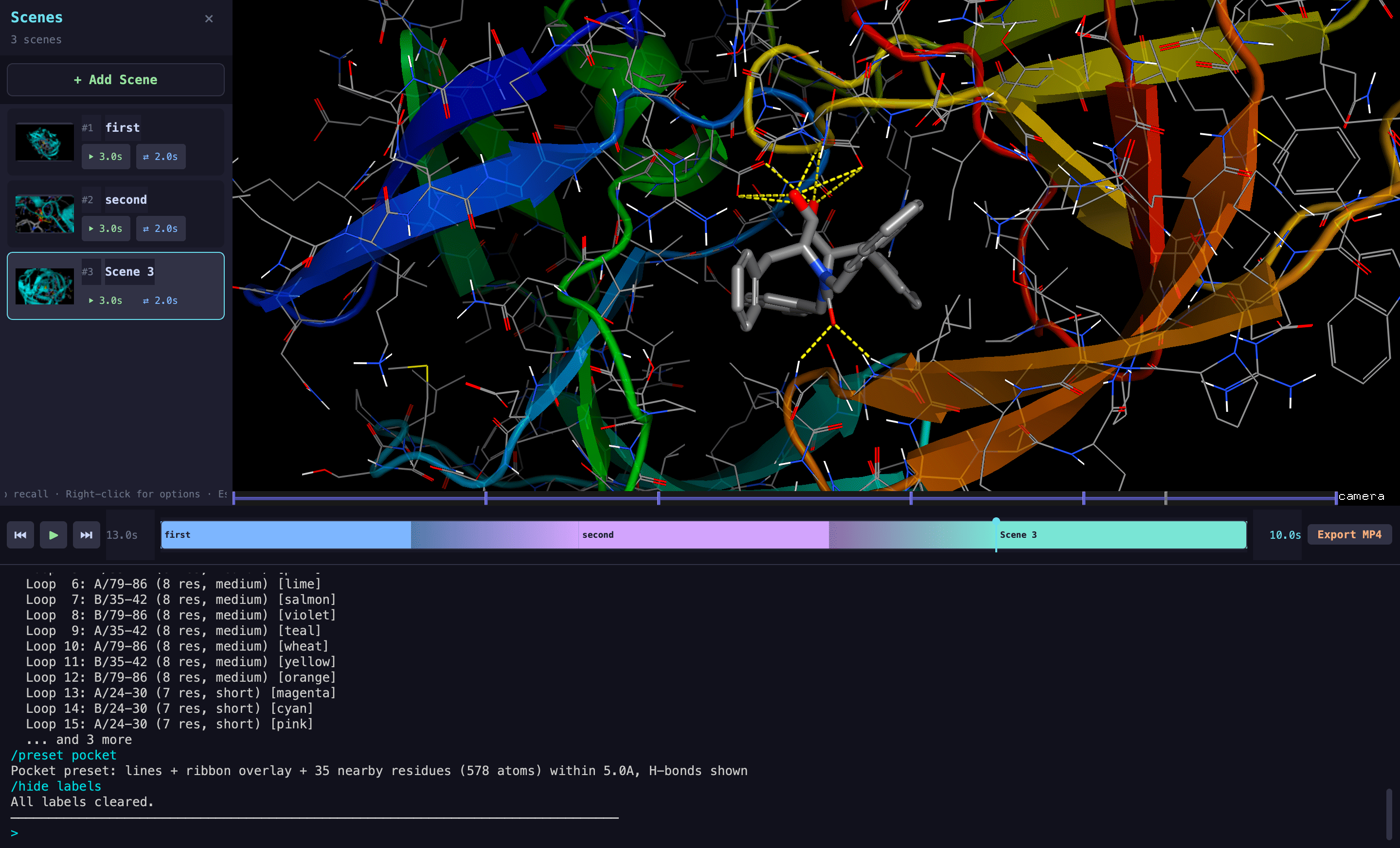
Load and compare multiple structures simultaneously. Automatic scoping ensures each command targets the active structure.
AI Agent Integration
Natural language interaction via LLM agents that call the same tool system. Multiple specialist agents (docking, trajectory, visualization) with automatic routing.
Shared Sessions
Real-time collaborative viewing via WebSocket relay. Host a session, share a code, and viewers see your actions live.
Trajectory Analysis
Load and play molecular dynamics trajectories. RMSD, alignment, clustering — all through commands.
Screenshots
Quick Start
# Clone and set up
git clone https://github.com/rubencr14/codemol.git
cd codemol
conda env create -f environment.yml
conda activate codemol

# Run
python main.py
Then type your first command:
Command Syntax
Most commands have shortcuts:
| Shortcut | Expands To |
|---|---|
/load 1ake |
/io load 1ake |
/rep cartoon protein |
/representations cartoon protein |
/color bychain |
/color bychain |
/measure distance A/45/CA B/120/CA |
/measurements distance A/45/CA B/120/CA |
/show ligand |
/visibility show ligand |
/hide solvent |
/visibility hide solvent |
Architecture at a Glance
graph LR
    A[Console] -->|text| B[expand_shortcut]
    B -->|expanded| C[parse]
    C -->|ParsedCommand| D[dispatch]
    D -->|run| E[Tool Module]
    E -->|cmd.*| F[Rendering Engine]
    F -->|render| G[3D Viewer]
    E -->|result string| A
What's Next
- Installation — Set up your environment
- Architecture — Understand how codemol is built
- Tool System — Learn how tools work and how to add your own
- Command Reference — Browse all available commands